Think It.Park It.
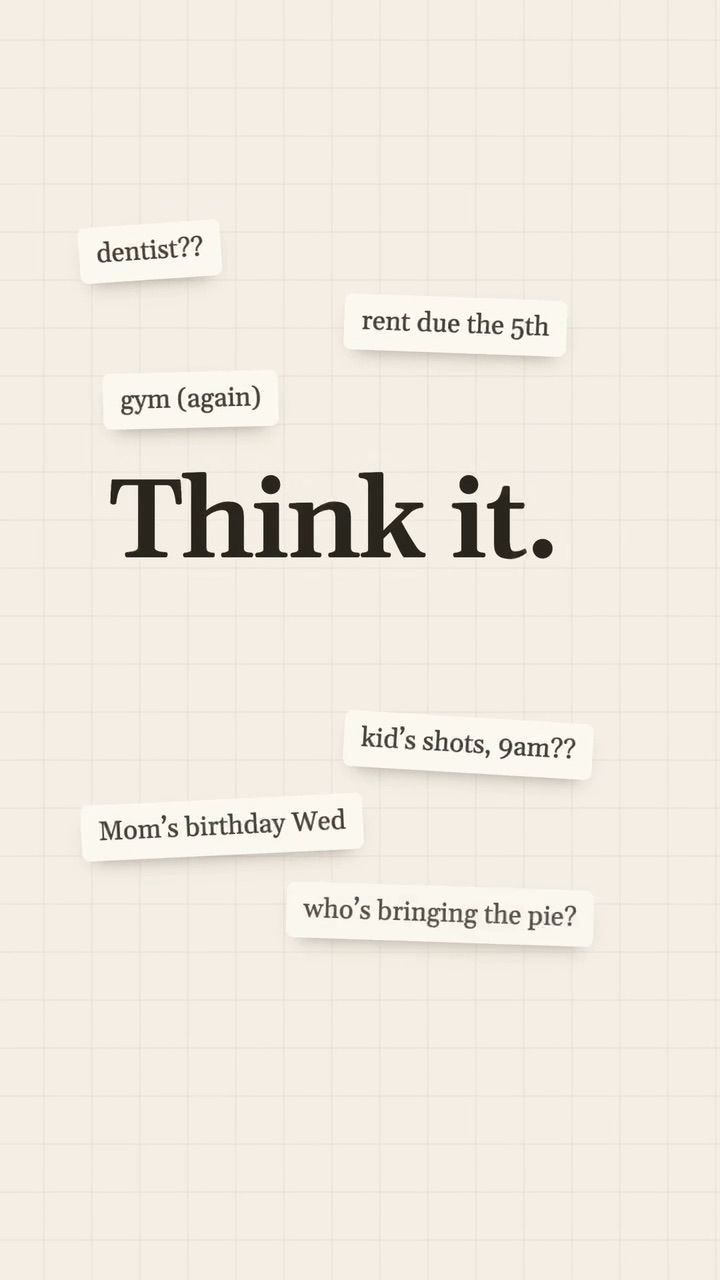
Peloo is an endless paper canvas. Work to-dos, family plans, reading notes, ideas out of nowhere: drop them in, and AI reads, sorts and connects them, then turns them into things to do.


 Stick it here, I’ll do the restI’ll bring it back right on timeAnd tell you what matters now
Plans, life, ideas: every fragment goes here
Words, voice, photos, videos: stick on whatever comes to mind, without deciding where it goes. Peloo reads each one, then sorts them for you.
Sorting

Visa papers due Wednesday
Don’t forget the passport
10/14 18:00
 10/11 21:05
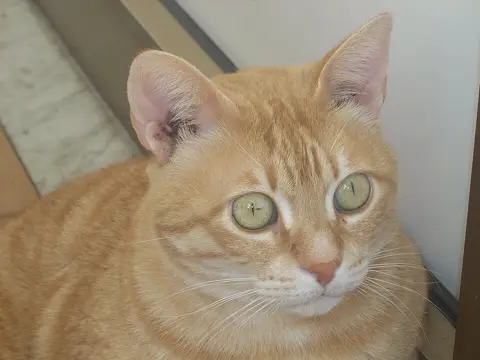
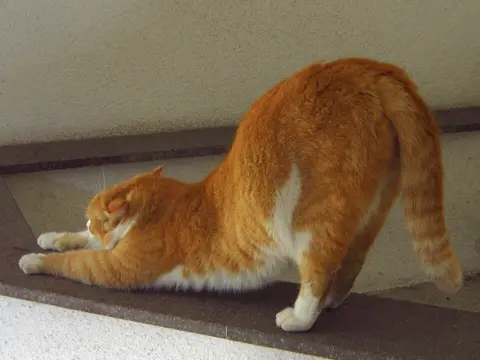
Mango learned to open the cupboard
Atomic Habits: change who you are, and the habits follow
Shots for the kid at 9
Bring the vaccine card
0:12
Send Lisa the Q4 plan
by Friday 3pm
10/16 15:00
 10/12 07:400:06
The ginger cat downstairs and her three kittens

Retention isn’t about features: new users get lost on day one

Mom and Dad’s checkup on Saturday
No breakfast!
Work, family, study, travel: one canvas holds it all
Each demo below is drawn from the app’s own screens and shows something it does today.
-
9:41
Weekly sync: Q4 is about retention, no new features
Atomic Habits: change who you are, and the habits follow
Visa papers due Wednesday
Don’t forget the passport
Saturday morning 5K
Kid’s shots tomorrow 9am,
bring the vaccine cardStonks
Parenting fund: auto-invest on.
Listening0:010:020:0301Voice
Hands full? Just say it
Driving, carrying a toddler, out on a walk: hold the mic and say it. Peloo turns it into a sticker and answers with a line. The recording stays on the sticker to play back.
-
9:41
Weekly sync: Q4 is about retention, no new features
Atomic Habits: change who you are, and the habits follow
Visa papers due Wednesday
Don’t forget the passport 10/10 09:12
Sunday latte: finally a heart
 10/12 16:42
Bean’s first time at the sea
Stonks
Corgi meets sea. Joy stock: limit up.
Looking at this photo
Recents


02Photos
Snap it, stick it
Your pets being silly, a view from a trip, a receipt or a whiteboard: snap it or pick it from your album and it goes on the canvas. Peloo looks at the photo and answers with a line.
-
9:41
Weekly sync: Q4 is about retention, no new features
Atomic Habits: change who you are, and the habits follow
Mom and Dad’s checkup on Saturday
No breakfast!Saturday morning 5K
Rent due on the 5th
Monthly 09:00
ReminderDone
Wed, Nov 4Thu, Nov 5Fri, Nov 6080910450015OnceDailyWeeklyMonthlyYearly
03Reminders
Reminded right on time
Write down a time and AI turns it into a reminder. Monthly things like rent or a card bill too: once, daily, weekly, monthly or yearly.
-
9:41
Weekly sync: Q4 is about retention, no new features
Atomic Habits: change who you are, and the habits follow
Mom and Dad’s checkup on Saturday
No breakfast!Visa papers due Wednesday
Don’t forget the passportSaturday morning 5K
Stonks
Knees: a long-term hold.
Weekly 3/4Weekly 4/407:00
Checked in · 4 of the last 4 weeks
04Habits
See how well you keep it up
Runs, reading, reviews: tap a repeating sticker when it is done and it counts. How often you kept it up lately shows right on the sticker.
-
9:41
Weekly sync: Q4 is about retention, no new features
IELTS speaking part 2: I freeze
Practise 2 min a dayMom and Dad’s checkup on Saturday
No breakfast!Saturday morning 5K
After the checkup, take them out for breakfast. Book a window table today.
Deep Thought
Record a two-minute part 2 answer on your commute; on Sunday, replay it and fix one thing.
Add to canvas
Deep Thought
After the checkup, take them out for breakfast. Book a window table today.
Add to canvas
05Deep Thought
It thinks one step further
Peloo picks the stickers worth a second thought, pulls in what you wrote before and writes a short Deep Thought that lands on one small thing you can do today. Tap Add to canvas and that step becomes a sticker. Some stickers also get an inspiration slip that ties them to something you wrote earlier.
-
9:41Travel 4
Kyoto, end of October: flights booked
Visa papers due Wednesday
10/09 06:12Fushimi Inari: sunrise here
Change ¥20,000 in cash
06Categories
Sorted on its own
AI files stickers into categories like Work, Travel and Family, and circles the ones that belong together. No need to decide where anything goes.
-
9:41
About you
Someone who keeps work, family and themselves in mind, and likes things planned ahead.
What you love
Travel
You are getting ready for Kyoto, down to the sunrise you want to see.
Fushimi Inari: sunrise hereKyoto, end of October
The pets
You photograph Mango and Bean a lot, and keep every “first time”.
Mango learned to open the cupboardBean’s first time at the sea
How you go about things
Ahead of time
Visa, rent, checkups: you note them down days before.
Visa papers due WednesdayRent due on the 5th
What matters to you
Family
Your parents’ checkup, your kid’s shots: family things never slip.
Mom and Dad’s checkupKid’s shots tomorrow
Your rhythm
You write most between 21:00 and 23:00
33 stickers a week over the last four weeks
78% of your to-dos are done

Reading all your stickers…
Connecting stickers across canvasesFinding what you come back toLooking at what changed lately
07Insights
Get to know yourself
As your stickers pile up, Peloo spots what you’re really after, says it in one line and shows which stickers it came from. The mind map grows new ideas out of it and points out what you might be missing. There’s an About you page too. Only you see any of it.
-
9:41
Everyday · this canvas · 1
Passport expires March 2027, renew it
Travel · 2
Visa papers due Wednesday, don’t forget the passport
Passport copy is in the suitcase pocket
08Search
Find anything in seconds
When the passport expires, where the copy is: a few letters find any sticker on any canvas.
And there is more
Short videos
Videos go on the canvas too, and play right there.
Twelve AI voices
Eight are free, and Plus unlocks four more. Pick the vibe you like, or switch them all off.
Canvas and sticker skins
Grid, dots or cork, to suit your mood.
Bring your old notes
Import text and it becomes stickers.
Linked notes
Connect related notes and watch ideas take shape.
Works offline
Write without a connection; it syncs when you are back.
Peloo Plus
For when you want more.
- Unlimited canvases, each with its own AI memory
- More AI uses and more Deep Thoughts every day
Subscribe in the Peloo app on iPhone, through the App Store, at the price it shows. Manage or cancel anytime in your iPhone Settings → your name → Subscriptions.
Your stickers are yours
- Write offline; it syncs when you are back online.
- Export all your data anytime, or delete your account in the app.
- How AI handles your content is set out in the privacy policy.
Questions
Is Peloo free?
Yes, with a daily AI allowance. When you want more canvases and more AI, get Plus in the Peloo app on iPhone, through the App Store.
Which devices does it run on?
Peloo is on the App Store for iPhone and iPad.
Does it work offline?
You can write offline; it syncs when you are back online.
How do I cancel a subscription?
Your Apple Account manages it: anytime, in your iPhone Settings → your name → Subscriptions, you can change or cancel it.
How do I delete my account?
In the app, go to Settings → Delete account and data. Everything goes with it.
Tell us, and vote on the next version
Sign in with your Peloo account to write down what you would like, or to vote on what we are considering. An adopted suggestion can earn one month of membership.
Think It. Park It.
Get Peloo on the App Store for iPhone and iPad.